

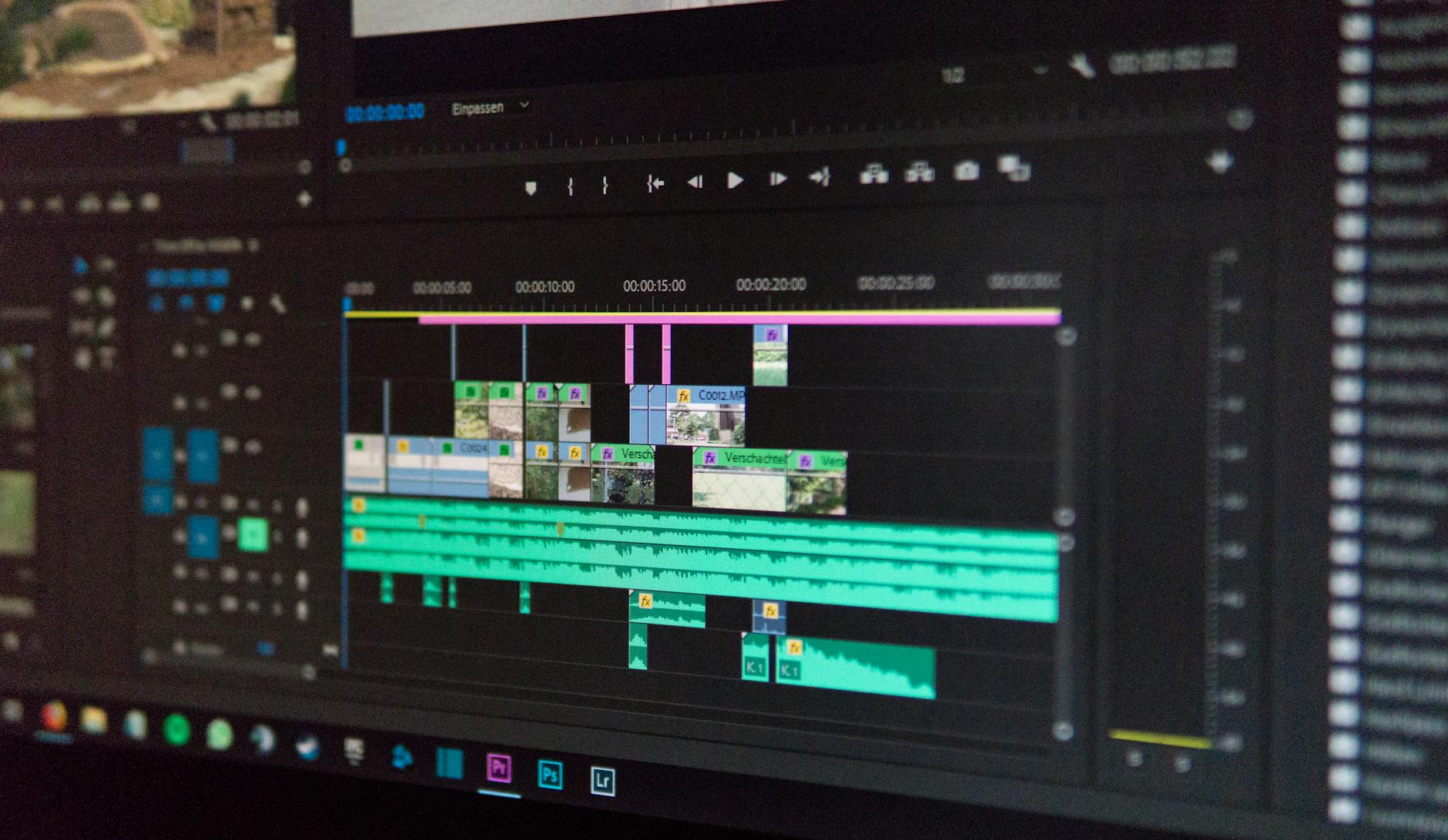
The word *free* is doing an enormous amount of work in video software marketing. It can mean no cost, no watermark, no credit card, no export limit, or no commercial rights. Plenty of tools pick exactly one of those meanings and let you assume the rest.
Richard Stallman drew this line decades before AI editing existed, and it still holds:
- "Free software is a matter of liberty, not price. To understand the concept, you should think of 'free' as in 'free speech,' not as in 'free beer.'"
- Richard Stallman, founder of the GNU Project, in the GNU Project's essay "What Is Free Software?"
Most of the tools below aren't free in Stallman's sense. They're freemium, a commercial model dressed up in open-source vocabulary. OpenShot and Shotcut are the two genuine exceptions on this list, and they're also the two with the thinnest AI capability. That trade-off isn't an accident.
How I Evaluated These Seven Tools
There's no neutral benchmark for AI video editors the way there is for, say, database throughput. So this list leans on a five-point test anyone can run in under an hour.
- Watermark on free export. Whether "free" survives the render. Export a 10-second clip at default settings.
- AI features on the free tier. Whether the AI is real or a paywall teaser. Watch for credit counters on every AI action.
- Hardware ceiling. Whether your machine can run it. Compare GPU and RAM requirements to your setup.
- Browser vs. desktop. Whether cloud rendering fits your workflow. Time a comparable export in both.
- Export limits and resolution. Whether 1080p and file caps are enough. Check max free resolution and project limits.
One note on the performance claims that keep circulating around browser-based editors. WebAssembly does enable near-native performance in browsers, and standardized web APIs currently sit at a 92% compatibility rate. That number is doing real work: it's the reason a browser editor can now behave like a desktop app on a mid-range laptop. I couldn't trace it back to a named public dataset, so treat it as a directional signal rather than a hard benchmark.
Here's the tool-by-tool breakdown.
1. DaVinci Resolve
Blackmagic Design's free version is the most professionally credible option on this list, and the one least likely to surprise you at export. No watermark. No time-limited trial. Full color grading, Fairlight audio, and Fusion compositing modules.
The catch isn't the render. It's the hardware. Resolve wants a discrete GPU and a healthy amount of RAM. The AI-driven features that make headlines, the neural engine tools, are largely gated behind the paid Studio license. The free tier will edit a 4K timeline, but you'll feel the difference the moment you ask it to do something clever automatically.
If your machine is three years old and mid-spec, this probably isn't where you start.
2. CapCut
CapCut, owned by ByteDance, has become the default free editor for anyone shooting vertical video. Its auto-captioning and background-removal tools are genuinely useful, not decorative, and the free tier covers most of what a short-form creator needs.
The watermark story is messier than the marketing suggests. Desktop CapCut is generally cleaner on export than the mobile app, and the risk tends to surface when you use certain effect templates or asset packs rather than plain editing. That's the pattern to watch across this entire category: the watermark isn't usually on your footage. It's on their stock content.
3. Microsoft Clipchamp
Clipchamp ships with Windows and runs in the browser, which makes it the path of least resistance for anyone on a Chromebook or a locked-down work laptop. The free tier exports at 1080p without a watermark on your own footage.
Where it gets murky is stock. Premium assets and some AI features sit behind the paid plan, and the line between "free tool" and "free sample" shifts depending on which template you load. If you're editing your own clips and nothing else, you're fine. If your workflow depends on stock B-roll, budget for the upgrade or plan around it.
4. Canva Video Editor
Canva's video tools inherit the same rule that governs the rest of the platform: content you create yourself exports clean on the free tier, and premium elements carry a watermark until you pay. Magic Studio's AI features are the draw here, with text, auto-resize, and background removal all living in the editor.
The friction is structural rather than technical. Canva is a design tool that learned video, not a video tool that learned design. For social cuts and marketing assets, that's fine. For anything with serious color or audio work, you'll hit the ceiling fast.
5. Adobe Express
Adobe's browser-based editor is the closest thing to a full creative suite that runs without an install. Free-tier access includes basic AI features through Firefly, though generative credits are capped and the more advanced tools sit behind Creative Cloud subscriptions.
There's a strategic logic to Adobe's pricing here worth naming: Express is a funnel into Premiere Pro. That's not a criticism, it's an observation about incentives. The free tier is genuinely capable, and it's also designed to make you want the paid one. Whether that matters depends entirely on how much of your work stays inside Adobe's ecosystem.
6. OpenShot
OpenShot is free in the Stallman sense: GPL-licensed, cross-platform, no account, no cloud, no telemetry. It runs on Windows, macOS, and Linux, and it will never watermark your export, because there's no company behind it with a subscription to sell.
It also has almost no AI. No auto-captions, no scene detection worth the name, no generative anything. If you want an AI video editor specifically, OpenShot isn't that. If you want a reliable, unrestricted editor that respects your machine and your footage, it's a perfectly reasonable answer to a different question.
7. Shotcut
Shotcut is OpenShot's closest cousin in philosophy and its rough equal in capability. Open source, cross-platform, no watermark, no paid tier to upsell you into. The interface is steeper than Clipchamp's, and the AI feature list is short.
I'm including it here because leaving it out would misrepresent the actual market. Some of the best "free, no watermark" tools have nothing to do with AI, and pretending otherwise is exactly the kind of hype the next section is about.
The Strongest Counterargument: Free Is a Tax You Pay in Time
The case against this entire list deserves to be made plainly.
Free AI editors are cheap in dollars and expensive in hours. You'll spend time learning a new interface for every tool you try, re-exporting when you discover a limitation mid-project, and rebuilding workflows when a pricing model changes. CapCut's terms in 2026 don't resemble CapCut's terms in 2023. Adobe's credit allocations shift with every Creative Cloud update. The "free" you verified last quarter may not be the free you get next quarter.
A working editor billing $60 an hour who spends four hours figuring out which free tool won't watermark them has spent $240, more than a year of a paid subscription to most of these platforms. That math doesn't make free wrong. It makes free a decision with a cost, and the cost just isn't on the invoice.
The counter-counterargument is that many of these tools are genuinely good enough that the hours aren't wasted. CapCut's auto-captions save real time. Clipchamp's browser rendering means a Chromebook can produce professional output. Those are real gains, not marketing.
Key Uncertainties and Open Questions
Three things I can't resolve with the evidence available.
First, pricing and watermark policies for AI editors change on roughly a monthly cycle. Every specific claim here reflects the state of these tools at the time of writing. Verify before you commit a project. That's not a hedge. It's the operational reality of the category.
Second, there's no independent, peer-reviewed benchmark for AI video editing quality across these tools. The 75%-plus performance gain from systematic optimization is a circulating claim I couldn't verify against a named public dataset. Treat it as directional.
Third, I can't tell you which tool will still be free in twelve months. A 2026 guide to 2026 tools is honest about its own shelf life. The evaluation criteria above will outlast any specific recommendation on this page. The rankings won't.
Key Takeaways
- DaVinci Resolve and CapCut are the strongest free tiers for professionals, for opposite reasons: Resolve for depth, CapCut for speed.
- Clipchamp and Canva are the best browser-first options; both gate premium assets, not your own footage.
- OpenShot and Shotcut are genuinely free in the open-source sense and have almost no AI. That's a feature for some workflows and a disqualifier for others.
- Every tool on this list changes its terms regularly. Test the export before you commit a project, not after.
- The real cost of "free" is usually time, and it's worth pricing that in before you choose.
FAQ
Is there a truly free AI video editor with no watermark?
Yes, with caveats. OpenShot and Shotcut are fully free and never watermark exports, but have minimal AI. DaVinci Resolve's free version is watermark-free with strong professional tools. Most others watermark premium assets rather than your own footage.
Are browser-based AI video editors slower than desktop software?
Not necessarily. WebAssembly enables near-native performance in browsers, and standardized web APIs are highly compatible. The gap has narrowed considerably. Real-world speed still depends on your internet connection and the tool's rendering infrastructure.
Do I need a high-end computer for AI video editing?
No. Browser-based editors like Clipchamp and Canva Video run on modest hardware because the heavy processing happens server-side. Desktop tools like DaVinci Resolve do benefit meaningfully from a discrete GPU.
Why did my "free" export suddenly get a watermark?
Usually because you used a premium template, stock clip, or licensed music track. The watermark attaches to that asset, not to your editing session. Check the asset licensing terms before you export.
Will these tools still be free next year?
Unclear. Pricing models for Verify current terms before starting a project you can't easily re-export.
Reader Discussion
0No comments yet. Be the first to share your thoughts, strategic perspective, or feedback on this guide!
Post a Comment
Join the discussion. All constructive feedback and editorial insights are welcome.