

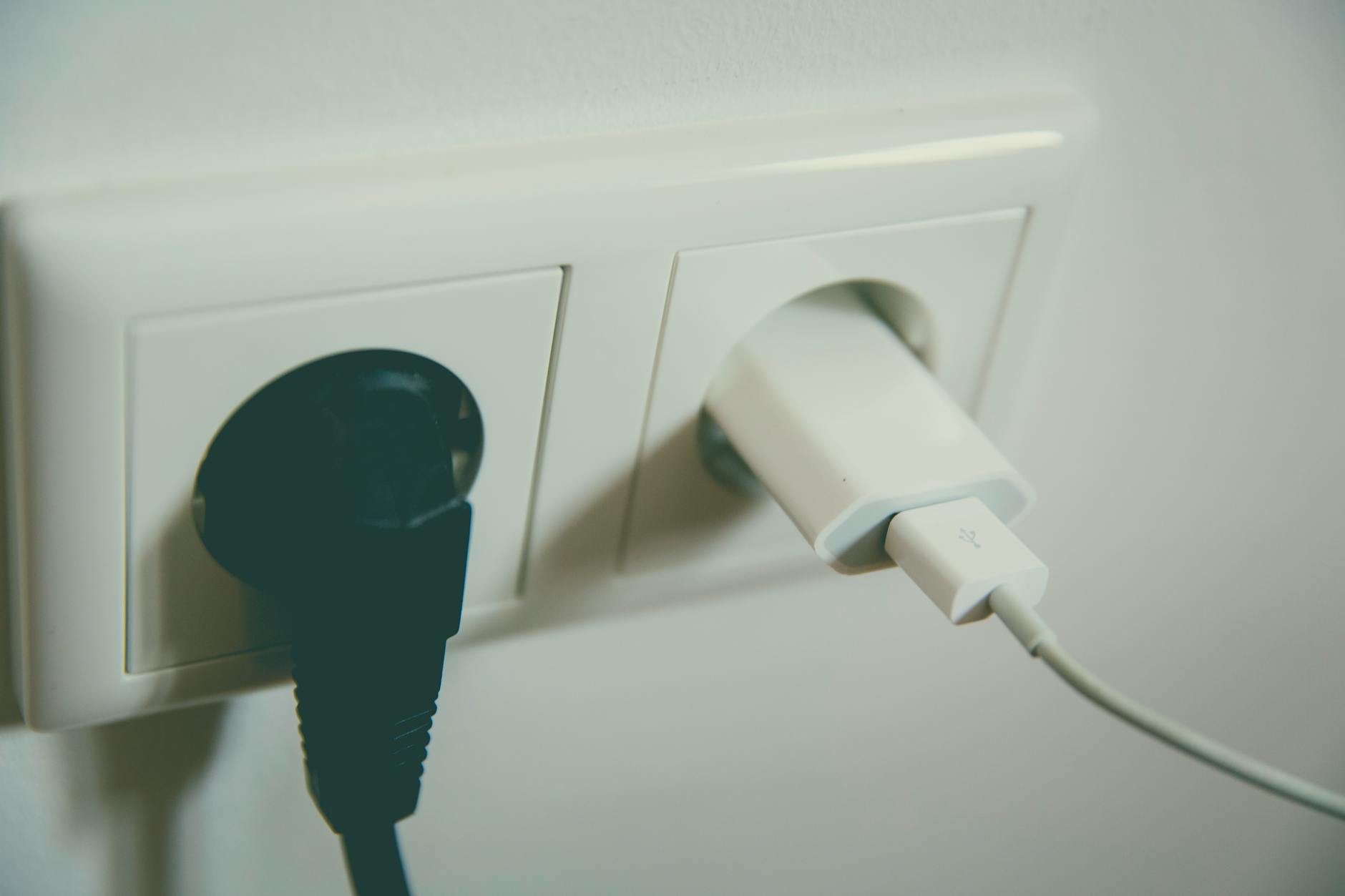
If you walked around your home and saw dollar bills slowly burning in your wall outlets, you would stop and put out the fire immediately. Yet, in almost every modern household, an invisible version of this exact scenario is playing out every single second.
Phantom energy—also known as standby power or vampire draw—is the electricity consumed by your appliances and electronics even when they are switched off. You can reclaim up to 23% of your monthly electricity bill and eliminate this waste in less than two hours, all without sacrificing the modern conveniences of your smart home.
- Key Summary & Flow: [The Household Energy Leak]
- Total Power Bill
- 77% Active Use (Heating, cooling, lighting, active appliances)
- 23% Phantom Load (Always on standby, instant on TVs, idle chargers)
The solution is not to live like a medieval monk by unplugging every lamp and clock before bed. Instead, the key is a targeted, high-impact audit that separates the essential "always-on" devices from the silent energy thieves.
The Core Context: Why Your Home is Leaking Power
In the past, when you turned off a television or a stereo, you severed the physical connection to the electrical current. The device was truly dead until you flipped the switch again. Today, our homes are filled with "soft-off" devices that exist in a state of perpetual readiness.
Electronics with active background features like "Instant-On" or "Network Standby" consume phantom electricity continuously even when powered off. They are constantly listening for a signal from your remote, waiting for a voice command, pinging your Wi-Fi router, or downloading silent software updates in the background.
While a single sleeping game console might only draw 10 to 15 watts, the cumulative effect across dozens of household devices is staggering. Studies show that continuous standby electricity consumed by household electronics accounts for a baseline of 5% to 10% of household energy share. In homes with extensive entertainment systems, home offices, and smart appliances, these phantom loads can consume up to 23% of total household electricity.
This is the "convenience tax" we pay for instant gratification, and it is quietly inflating our utility bills year after year.
The Strategic Trade-Offs of Energy Management
Before you grab a notepad and start pulling plugs, it is vital to understand that not all energy-saving strategies are created equal. Some methods save pennies at the cost of massive daily frustration, while others require a small upfront investment but pay dividends in automated convenience.
| Strategy | Pros | Cons | Best For |
|---|---|---|---|
| Settings Optimization | Completely free; zero hardware required; preserves device longevity. | Requires digging into clunky device menus. | Smart TVs, game consoles, streaming media boxes. |
| Smart Power Strips | Automatically cuts power to peripherals when the main device is off. | Small upfront cost; requires grouping devices physically. | Home entertainment centers, desktop computer setups. |
| Smart Plugs (App/Voice) | Offers scheduling, remote control, and real-time energy tracking. | Uses a tiny amount of Wi-Fi power itself; requires setup. | Coffee makers, floor lamps, seasonal holiday lighting. |
| Manual Unplugging | 100% effective; zero cost; completely cuts the physical connection. | Highly inconvenient; causes physical wear on wall outlets. | Guest bedroom electronics, rarely used small kitchen appliances. |

Multiple electronic chargers connected to a power strip draw continuous standby phantom current.
The 2-Hour Vampire Hunting Playbook
This step-by-step guide is designed to maximize your savings while minimizing your effort. By focusing on the highest-yielding targets first, you can complete this entire audit in a single afternoon.
Phase 1: The 15-Minute Recon and Tool Gathering
Before you begin moving furniture, gather your tools. You do not need expensive diagnostic equipment, but a few simple items will make the job much easier:
- A notepad or your smartphone to log targets.
- A flashlight (for peering behind dusty entertainment centers).
- A pack of sticky notes to mark devices you have already audited.
- Optional: A cheap, plug-in consumer wattage meter (often called a Kill-A-Watt) to measure exact draws.
Your goal in this phase is to scan each room and identify the "always-on" culprits. Look for anything with a brick-shaped power adapter, a digital clock, a standby light (usually red or amber), or a remote control.
Phase 2: The Entertainment Hub Lockdown (30 Minutes)
The living room or media center is almost always the largest source of phantom energy in any modern home. A typical setup contains a TV, a soundbar, a streaming box, a game console, and a cable box—all whispering to the network 24/7.
- Key Summary & Flow: [The Entertainment Center Cascade]
- Smart Power Strip (Control Outlet: TV)
- Senses TV turns OFF
- Automatically cuts power to:
- Soundbar (Auxiliary Outlet)
- Game Console (Auxiliary Outlet)
- Streaming Box (Auxiliary Outlet)
- Audit the TV Settings: Open your television’s settings menu. Look for options labeled "Quick Start," "Instant-On," or "Wake on LAN." Disable these features. Turning them off means your TV might take 5 to 10 seconds longer to boot up when you press power, but it will prevent the screen from drawing 12 to 20 watts of continuous power while black.
- Tame the Game Consoles: Modern consoles are notorious energy hogs in standby mode because they are designed to download updates while you sleep. Go to your console's power settings and switch from "Instant-On" (or "Rest Mode") to "Energy Saving" mode.
- Install a Smart Power Strip: Plug your television into the "Master" outlet of a smart power strip. Plug your soundbar, subwoofer, and gaming accessories into the "Controlled" outlets. When you turn off your TV, the power strip senses the drop in current and completely cuts power to all the secondary devices, preventing them from drawing standby power.
Phase 3: The Home Office Triage (30 Minutes)
With the rise of remote work, the home office has become a massive, silent drain on residential power grids. Desktop computers, dual monitors, printers, and docking stations sit idle for 16 hours a day.
- Target the Printer: Printers are the ultimate phantom load offenders. They constantly cycle ink heads and maintain internal heaters so they can print instantly. Unless you run a high-volume commercial business from home, unplug your printer and only plug it in when you actually need to print.
- Manage the Monitors and Docks: Computer monitors often enter a "sleep" mode that still draws 1 to 3 watts per screen. Connect your monitors, desk lamps, and laptop docking station to a single, easily accessible power strip. Make it a habit to flip the physical switch on the strip at the end of every workday.
- Configure Computer Sleep Settings: Ensure your computer is set to transition from "Screen Saver" to true "Sleep" or "Hibernate" mode after 15 minutes of inactivity. A computer displaying a screensaver draws almost as much power as one actively being used.
Phase 4: The Kitchen and Utility Check (25 Minutes)
Kitchen appliances are built for durability, but many modern designs include unnecessary digital displays and wireless chips that run constantly.
- The Countertop Sweep: Look at your counter. Do your coffee maker, microwave, toaster oven, and blender all have digital clocks? You only need one clock in the kitchen. Unplug the microwave or toaster oven if you only use them a few times a day.
- The Charger Sweep: Walk through the house and unplug any charging bricks (for phones, tablets, or vacuums) that are plugged into the wall but not connected to a device. While modern chargers draw very little individual power, a dozen of them left plugged in across a house create a steady, continuous drain.
- The Guest Room Blackout: Guest bedrooms are time capsules of wasted energy. Unplug the guest room television, alarm clock, and charging cables. Only plug them back in when you are actually expecting visitors.
Phase 5: The "Set and Forget" Automation (20 Minutes)
Now that you have optimized your settings and grouped your devices, use automation to handle the rest of the work for you.
- Deploy Smart Plugs for Schedules: Identify devices that only need to run during specific windows. For example, connect your hot water dispenser or espresso machine to a smart plug programmed to turn off between 11:00 PM and 6:00 AM.
- Label Your Outlets: Use small, color-coded stickers on your wall outlets. A red sticker means "Never Unplug" (routers, refrigerators). A green sticker means "Safe to Unplug" or "Switch Off." This simple visual cue prevents family members from accidentally disconnecting essential systems.
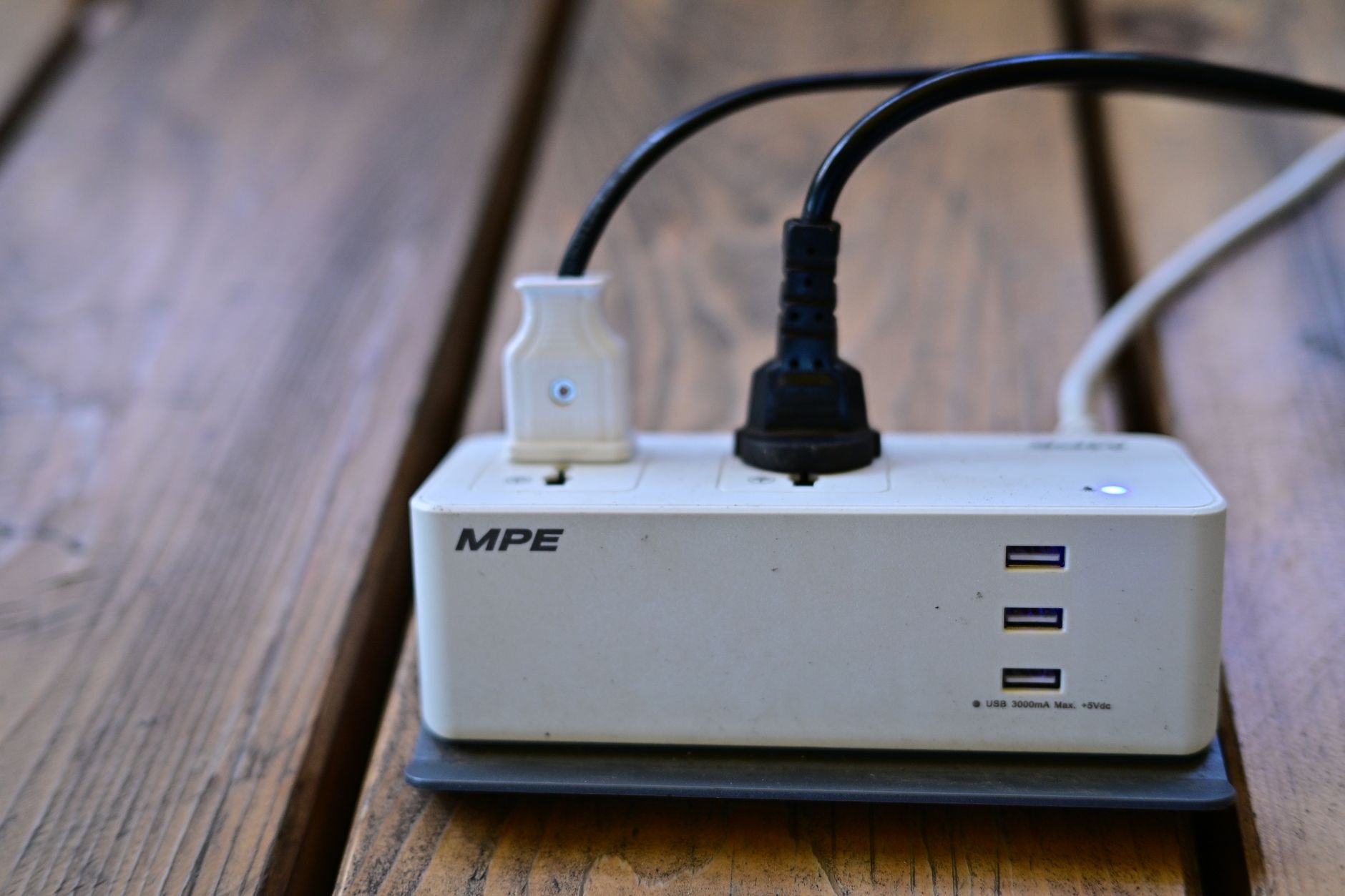
Smart power strips automatically isolate peripheral devices when main electronics are turned off.
Honest Pitfalls to Avoid
While hunting down phantom loads is highly beneficial, it is easy to overcorrect and cause unnecessary headaches. Avoid these common mistakes:
- The Router Mistake: Never plug your primary Wi-Fi router or modem into a smart strip or timer that shuts off at night. Modern smart home devices, security cameras, and smart thermostats rely on a continuous internet connection to run scheduled updates and maintain security protocols.
- The Smart Plug Paradox: Do not buy a 15-dollar, 2-watt smart plug to control a device that only draws 0.5 watts of standby power. You will end up spending more money on the hardware and consuming more energy running the smart plug's Wi-Fi chip than you would have saved by turning the original device off. Reserve smart plugs for high-draw items like space heaters, dehumidifiers, and older audio receivers.
- The Friction Trap: If your energy-saving setup makes your daily life frustrating, you will eventually abandon it. If reaching behind the couch to unplug the TV ruins your evening routine, stop doing it. Focus instead on automated solutions like smart power strips that do the work behind the scenes without requiring your physical effort.
Reader FAQs
Q: Do phone chargers really draw power when they are plugged into the wall but not connected to a phone?
A: Yes, but the draw is incredibly small. A modern, high-quality phone charger left in the wall draws roughly 0.1 to 0.5 watts. While unplugging them is a good habit, it should be your lowest priority. Focus your energy instead on larger items like game consoles, older televisions, and desktop computer systems, which draw up to 50 times more standby power.
Q: Will constantly cutting the power to my modern Smart TV damage its internal components or reset my streaming logins?
A: No. Modern televisions use non-volatile flash memory to store your operating system, app data, and login credentials. Cutting the power will not cause you to lose your Netflix or Hulu settings. However, it will cause the TV to take slightly longer to boot up when you turn it back on, as it must reload the operating system from scratch rather than waking up from a low-power sleep state.
Q: How much money can I actually expect to save annually by doing this 2-hour audit?
A: For an average American household with a monthly electricity bill of $150, a successful phantom energy audit that eliminates 15% of standby waste will save approximately $270 per year. In larger homes with older electronics, multiple gaming setups, and unoptimized home offices, the annual savings can easily exceed $400. This makes your two hours of effort one of the highest-return home maintenance tasks you can perform.
Reader Discussion
0No comments yet. Be the first to share your thoughts, strategic perspective, or feedback on this guide!
Post a Comment
Join the discussion. All constructive feedback and editorial insights are welcome.