

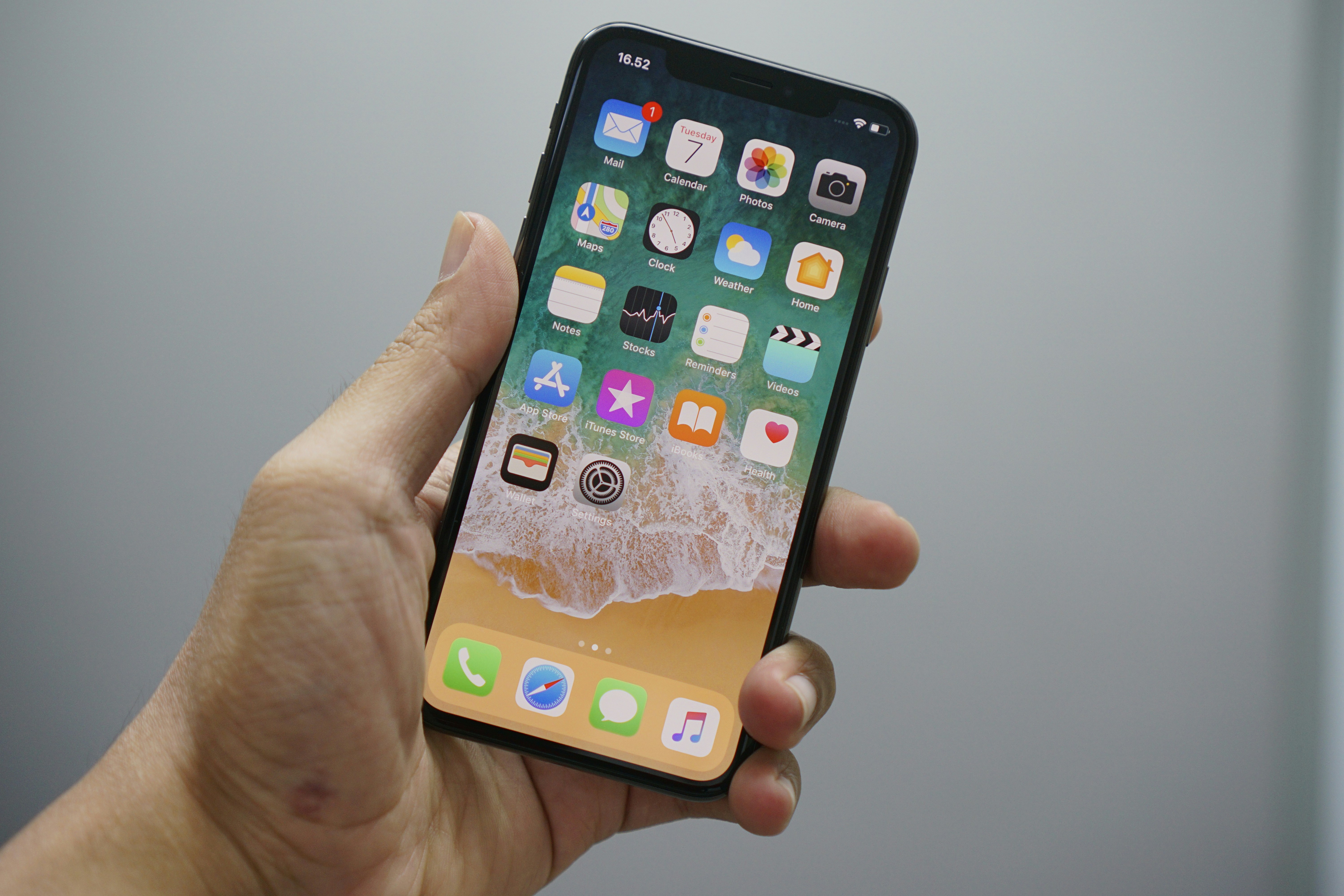
Here's the moment nobody warns you about: You open Settings, tap Software Update, and there's nothing there. No error, no explanation—just the same version you've been running for months and a quiet sense that the phone in your hand has been dropped from the guest list.
Everything still works, of course. That's the confusing part. So why does a phone that checks email and takes decent photos suddenly stop getting the newest iOS? The honest answer is that Apple's engineers run into walls made of silicon long before they run into a decision about your upgrade cycle.
The short answer
Older iPhones lose major iOS support because they hit physical hardware ceilings, not arbitrary deadlines. Modern iOS releases require roughly 6GB to 8GB of Unified Memory, Neural Engine throughput approaching 35 TOPS, and silicon free of unpatchable security flaws. A device with 3GB of RAM and 5.0 TOPS can't run current on-device machine learning without the whole system falling over.
A support window that runs five to seven years, then closes
Apple's major iOS upgrade lifecycle averages five to seven years per device. Sit with that number for a second. Seven years is longer than most laptop makers support their machines, and longer than most people keep a car. By any reasonable measure, that's a generous run.
But averages hide the mechanism. The 5-to-7 figure isn't a policy—it's an outcome. Nobody at Apple sits down in year five and declares a phone finished. The phone reaches a point where the next version of iOS asks it to do something it physically can't do at acceptable speed, and the engineering team draws a line.
Two recent cutoffs show how that plays out. iOS 16 dropped the iPhone 6s, 6s Plus, 7, 7 Plus, and the first-generation SE. All of them sat below 3GB of RAM and carried A9 or A10 chips. iOS 17 then dropped the iPhone 8, 8 Plus, and iPhone X—for two separate reasons: the checkm8 BootROM vulnerability and the absence of modern machine learning acceleration.
Notice that RAM alone doesn't explain either list. Something else is going on.
The memory math that changes everything
On-device generative AI models—the kind that run locally rather than in a server farm—need a persistent memory reservation of 2.5GB to 4GB. Not peak usage. Continuous reservation, held for context windows and token generation while the rest of the operating system keeps humming along.
Put that on a phone with 3GB of total system memory and the arithmetic collapses instantly. The hardware math puts it in concrete terms: running an on-device language model context window on an A12 Bionic chip with 5.0 TOPS and 3GB of RAM forces the system to dedicate over 80% of total system memory to token generation. The result is severe thermal throttling, dropped UI frame rates, and apps crashing out.
Run the same operation on an A18 Pro with 35.0 TOPS and 8GB or more of Unified Memory, and it finishes in milliseconds—with plenty of headroom left for everything else.
That contrast is the whole story in miniature. It's not that the older chip is slow. It's that there's no room to be slow and do anything else.
Two clocks, and most people only watch one
Here's the detail that gets overlooked most often: Feature support and security support are different clocks, and they stop at different times. Apple keeps issuing point releases and standalone security patches for older iOS branches well after major feature support ends. A phone that can't run the newest iOS can still receive fixes on the branch it's stuck on.
That matters more than the "unsupported" label suggests—and it's the reason trading in a working four-year-old phone the day it stops offering major updates is usually premature.
The trade-offs are real, though. Third-party developers build against current OS frameworks. When an app's minimum requirement moves past your device, the app stops updating—and then, eventually, stops opening.
The hardware still works fine. The ecosystem around it quietly withdraws.
checkm8, and the security argument nobody enjoys having
The iPhone 8, 8 Plus, and iPhone X story deserves separating from the memory conversation, because it's a different kind of problem. Those devices share the A11 Bionic chip and its checkm8 BootROM vulnerability—a flaw in early boot code that can't be patched through a software update. BootROM code is burned in at manufacture.
A vulnerability like that doesn't care how well your phone runs. It sits underneath the operating system, and no iOS release can seal it. Once a device carrying an unpatchable flaw reaches end-of-life status, the security posture degrades in a way no amount of careful user behavior fixes.
That's a genuine engineering constraint rather than a lifecycle preference. It's the cleanest example of why hardware deprecation isn't purely a business decision.
What 35 TOPS actually buys you
Neural Engine throughput scales steeply across Apple's chip generations, and the numbers tell their own story:
- A11 Bionic (2017): 0.6 TOPS
- A12 Bionic: 5.0 TOPS
- A14 Bionic: 11.0 TOPS
- A15 Bionic: 15.8 TOPS
- A16 Bionic: 17.0 TOPS
- A17 Pro, A18, and A18 Pro 16-core Neural Engine: 35.0 TOPS
That's roughly a 58-fold increase from the A11 to the current tier. The jump from the A16's 17.0 TOPS to the A17 Pro's 35.0 TOPS—a doubling in a single generation—is the more revealing figure, because it lands right alongside the arrival of on-device generative AI as a mainstream feature.
Older processors running modern background machine learning tasks don't simply feel sluggish. They generate sustained thermal spikes, drain batteries faster, and drop UI frames under load. Performance isn't just a comfort issue; heat and battery wear are physical costs.
The counter-view: is Apple retiring devices ahead of need?
Not everyone accepts the silicon-ceiling framing at face value, and the skepticism deserves a fair hearing.
The sharpest version of the argument points at iOS 18. Plenty of devices with 4GB of RAM—well below the 8GB floor—received that major release. If 4GB were genuinely unworkable, those phones would have been cut alongside the iPhone 8 and X.
They weren't. So RAM capacity alone clearly isn't the gate.
That's a fair objection, and the data resolves it in an interesting way. There are two separate thresholds. One governs whether a device can run iOS at all with acceptable stability. The other governs whether it can run on-device Apple Intelligence features.
The second threshold is far stricter—and it's the one that separated A12 through A16 hardware from the AI feature set while those same devices kept receiving mainstream iOS updates.
So the honest reading is that deprecation is gated by whichever constraint bites first on a given device: memory, Neural Engine throughput, or an unpatchable firmware flaw. Which constraint applies varies by generation. Anyone claiming a single rule explains every cutoff is oversimplifying.
A second dissenting view holds that the timing of cutoffs conveniently aligns with sales cycles. The evidence available here doesn't settle that. Apple's published compatibility lists show what was cut and when, and the technical justifications are documented for the iOS 16 and iOS 17 cycles. Whether the timing could have been extended with more engineering effort is a question the public record doesn't answer.
Key Uncertainties and Open Questions
The biggest unknown is how long Apple will keep maintaining standalone security patches for deprecated iOS branches. Apple hasn't published a commitment, a fixed window, or any guarantee that next year's critical flaw gets patched on iOS 15 or iOS 16. The duration remains at Apple's discretion and varies according to the severity of individual vulnerabilities.
That uncertainty has practical consequences. Someone holding a device on a final feature release can't plan around a known security horizon, because none exists publicly.
Two other gaps are worth flagging. First, the exact memory threshold Apple applies when evaluating a device for a major release hasn't been published—the 6GB to 8GB benchmark figure is an observational floor derived from which devices shipped with which features, not a documented specification. Second, the 12GB requirement for advanced multimodal models is an architectural benchmark rather than a statement about any specific shipping product.
Treat it as a directional signal about where the tiers are heading, not a confirmed spec.
And to label the speculation clearly: if AI features keep expanding their memory footprint, it's reasonable to expect support windows to shorten on lower-RAM devices. That's an inference from the trend line, not a forecast anyone has confirmed.
A decision framework for the phone in your hand
The technical picture matters less than what you do with it. Three broad situations cover most people.
Your device still receives major updates
Stay. There's no hardware argument for moving. You're inside the support window, and the money is better spent elsewhere.
You're on the final feature release
This is the genuinely awkward zone. The phone works. Security patches arrive, but without a published schedule. Third-party apps will start drifting out of reach over the next two to three years, usually gradually and then all at once.
Watch two signals rather than a calendar: whether your most-used apps still update, and whether Apple ships a security patch for your branch within a few weeks of a serious vulnerability being reported. When either one slips, the calculus changes.
You've passed both
The security case gets stronger every month. A device with an unpatchable BootROM flaw and no active patch stream is a different risk category, particularly for anyone handling work email, banking, or identity documents on it. That's not alarmism—it's the same standard most organizations apply to their laptops.
If you're upgrading and want longevity
Match the floor, not the current year. Devices meeting the 8GB RAM benchmark and the 35.0 TOPS Neural Engine tier sit above the thresholds that have driven recent cutoffs. That's the difference between buying a phone that receives today's features and one positioned to receive the next several cycles. Hardware floors are more stable than roadmaps.
Key Takeaways
- Major iOS support averages five to seven years per device, driven by hardware thresholds rather than fixed policy.
- On-device generative AI reserves 2.5GB to 4GB of RAM continuously, making 3GB and 4GB devices structurally unable to run it.
- Neural Engine capacity scaled from 0.6 TOPS on the A11 to 35.0 TOPS on the A17 Pro, A18, and A18 Pro—a 58-fold increase that redefined the minimum viable tier.
- Feature support and security support end at different times. Continuing security patches are the strongest argument against upgrading on the day major updates stop.
- The 8GB RAM and 35.0 TOPS thresholds are the most useful guideposts available for anyone buying for longevity.
FAQ
Why did the iPhone X lose iOS 17 support?
Two reasons, not one. The A11 Bionic chip carries the checkm8 BootROM vulnerability, which can't be patched through software updates, and the device lacks the machine learning acceleration modern iOS features assume.
Does my older iPhone still get security updates after major support ends?
Yes, in most observed cases. Apple continues standalone security patches for older iOS branches, though the duration is at Apple's discretion and depends on the severity of each vulnerability.
Why does Apple Intelligence need so much RAM?
On-device language models need 2.5GB to 4GB reserved continuously for context windows and token generation. On a 3GB device, that consumes over 80% of total system memory and causes thermal throttling and crashes.
Is Apple deliberately slowing old phones to force upgrades?
The available evidence points to silicon limits, not software locks. The documented cutoffs for iOS 16 and iOS 17 line up with RAM capacity, Neural Engine capability, and unpatchable firmware flaws. Whether the timing could have been extended with more engineering effort is genuinely unresolved.
The smart posture is to treat your phone as a set of thresholds, not a countdown. Watch the apps you rely on, the security patches that arrive, and the memory and Neural Engine specs of whatever you buy next. Those signals will tell you when to move long before a compatibility list does.
Reader Discussion
0No comments yet. Be the first to share your thoughts, strategic perspective, or feedback on this guide!
Post a Comment
Join the discussion. All constructive feedback and editorial insights are welcome.