

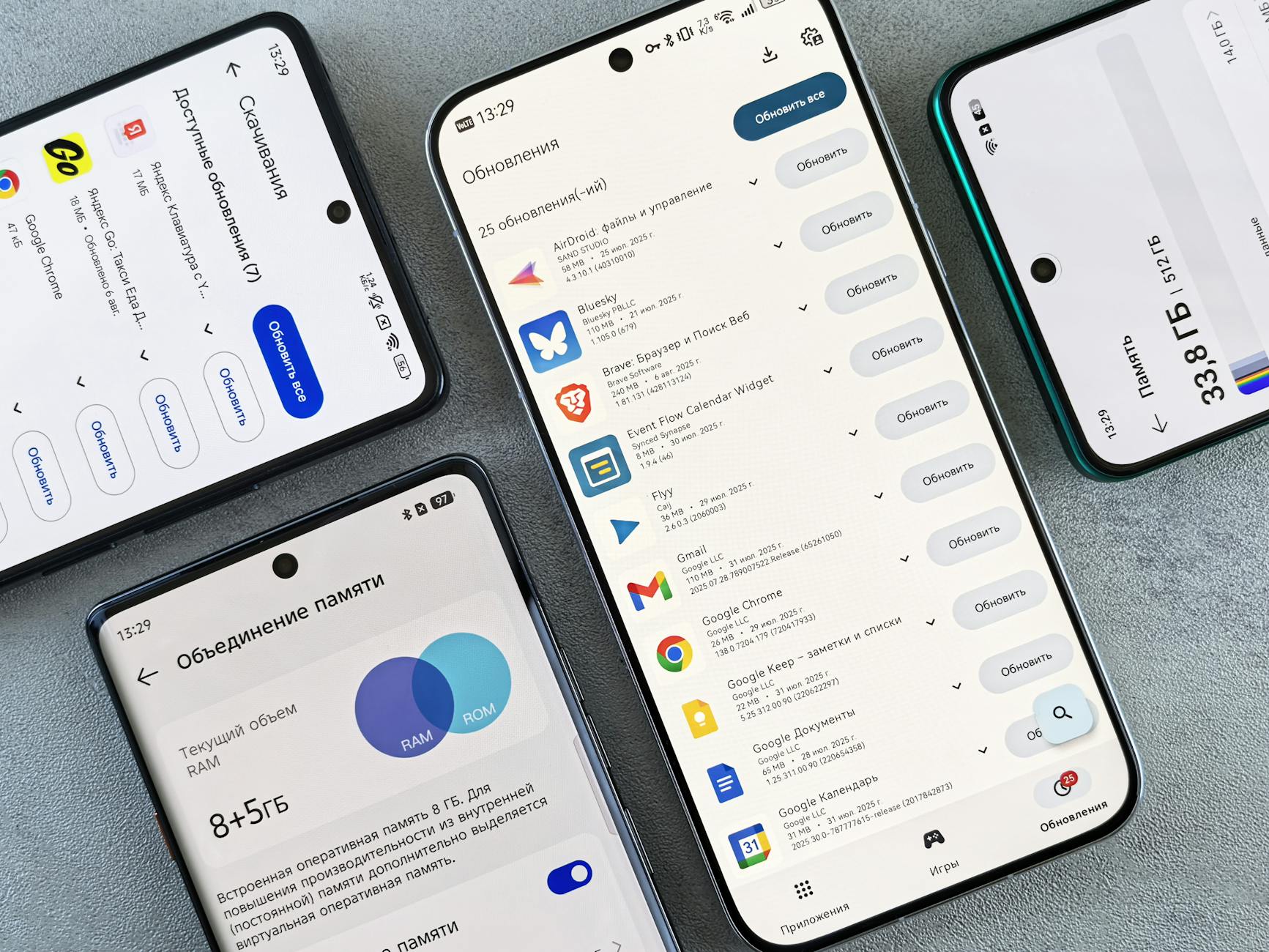
Hi, I'm Deepak (Mannu Kumar). If you've ever followed an online tutorial, gotten four steps in, and hit a button that isn't where the screenshot says it is, I know the feeling. So for this guide on freeing up phone storage, I tested every step myself, on real devices, to make sure each tap, menu, and setting matches what you'll actually see in 2026. Here's the clean walkthrough, done right the first time.
Why Deleting Photos Is Usually the Wrong First Move
Storage warnings read like a camera problem. That's a reasonable leap, because photos and videos are the things you can see. But on a phone that's been in daily use for two or three years, the visible stuff usually isn't where the pressure is coming from.
The invisible tenant is the browser. Modern mobile browsers don't hand each site a small, fixed allowance. They allocate a shared pool, up to 60% of total disk space under the group quota model documented for Chromium-based browsers, and every site you visit draws from that same bucket. JavaScript libraries, cached images, offline page copies, service worker assets stored through the CacheStorage API, database entries. It all sits in there together.
Sixty percent of your disk is a genuinely large claim, and it's worth pausing on. On a 128GB phone, the browser pool isn't a rounding error tucked in a corner. It's a major landholder.
Which is where things get interesting, because browsers don't leave that pool full forever. They clean up.
The Eviction Rule Nobody Told You About
Here's the part that surprises people. Your browser is already deleting things on your behalf. It just isn't asking you first.
- The standard doesn't use this phrasing, but the rule it sets out is: when the browser needs space back, data from the least recently used origin goes first, and the user isn't consulted. Paraphrased from the WHATWG Storage Standard, eviction section, alongside the StorageManager API documentation.
I'm giving you that as a close paraphrase rather than a verbatim quotation, because the standard is written for browser engineers, not for the rest of us. The mechanism, though, is straightforward. It's called LRU eviction, and it runs on the same logic a supermarket uses when it pulls the older milk to the front of the shelf.
Practically, the site you haven't opened in eight months is quietly at risk. So is the offline copy of a boarding pass you saved two trips ago. And so, potentially, is app data stored through the persistent storage permission, if that permission was never granted.
Which raises an uncomfortable question. If the browser is already cleaning house, why is your phone still full? Because eviction is a pressure valve, not a housekeeper. It fires when the system is desperate, and by then something else has usually gone wrong.
How Phone Storage Actually Fills Up
Think of your phone's storage as three tenants sharing a building.
- Your files. Photos, videos, downloads, voice memos, scanned documents. Visible, countable, and the thing everyone blames.
- App-private data. Every app keeps its own sandbox: caches, thumbnails, logs, saved media, message history databases, downloaded content.
- The browser storage pool. The shared bucket described above, holding cached assets, offline site copies, and site databases.
The first tenant gets all the attention. The second and third do most of the damage over time, and neither shows up clearly in a photo library audit.
There's a fourth pressure point that rarely gets mentioned. When storage gets tight, the operating system loses room to move. Low free space can restrict the swap space the OS uses to juggle memory, one documented route from "storage warning" to "why is my phone so slow." Performance degradation from a lack of swap space is a real consequence of a nearly full disk, not a separate mystery.
Two common beliefs fall apart here. The first is that clearing every app cache is a sustainable strategy. It isn't. Caches exist to save work: bandwidth, battery, time. Clear them all and the phone starts rebuilding them immediately, often on cellular data.
The second is that system storage warnings always point to user-generated files. Often they don't. They point to whoever happened to write last.
The Five-Step Method That Holds Up
This is the sequence I'd run, in order. The order matters more than the individual steps.
1. Measure before you delete anything. Go to Settings and read the storage breakdown properly, all the way down the app list. Then, if you want to see the browser pool specifically, open a browser on the device and run navigator.storage.estimate() from a console or a simple test page. It returns usage and quota figures through the StorageManager API. Most people skip this and start deleting, which is how important data gets lost.
2. Treat the browser as one tenant, not forty small ones. Instead of clearing everything, open the browser's site settings and sort by data stored. You'll usually find a handful of offenders: a social feed, a shopping app's web view, a video site. Clear those, not the whole pool. Selective clearing keeps the caches that earn their keep.
3. Sort apps by cache size, not by total size. A 4GB game with 3.9GB of downloaded assets and a 4GB game with 200MB of cache are different problems. For the first, use the offload option if your platform has one. It removes the app's files while keeping its data. For the second, clearing the cache is the fix.
4. Leave headroom on purpose. Chasing 100% free space is a mistake. Keep a working margin so the system can write temporary files and use swap. A phone that's technically full is a phone that behaves badly, and an aggressive cleanup that lands you at 99% used solves nothing.
5. Decide deliberately about persistent storage. Browsers offer a persist request, through navigator.storage.persist(), that asks for the app's data to be exempt from casual eviction. Granting it protects the things you don't want silently deleted. It also means that data won't be reclaimed when you need room. That's a trade, not a win.
That last step is the one I'd change my mind about most often, depending on whose phone I'm holding.
The Counter-View: Maybe Stop Clearing Caches
There's a case against most of the advice above, and it's stronger than the cache-clearing industry admits.
Caches are a performance feature. Wipe them and every app rebuilds them on the next launch, which costs bandwidth, battery, and time. On a metered plan or a capped home connection, that cost is real money. Over-aggressive cache clearing is a documented trade-off running the other direction: you free a few gigabytes today and pay for it in re-downloaded assets for the next week.
There's a second version of the argument, too. If browsers already evict least-recently-used data automatically, then the storage pressure many people experience is a symptom rather than a cause. Something else is holding the space: a chat app's media database, a streaming app's offline library, months of accumulated downloads. Clearing a browser cache in that situation is treating a headache with a plaster.
I think that objection is partly right. Wholesale cache clearing is a bad habit. The reason I still recommend selective clearing is narrower. It's about identifying which sites are consuming the shared pool and removing the ones you no longer use. That's not the same action, even though it lives in the same menu.
A Cleaner Way to Decide What Goes
The table below is the one I keep coming back to. Ask which tenant you're dealing with before you tap anything.
| Storage tenant | What lives there | Safe to clear? | What it costs you |
|---|---|---|---|
| Browser site data and service worker caches | Cached images, scripts, offline page copies, site databases | Yes, site by site | Sites reload slower and re-download once |
| App caches | Thumbnails, preview media, temporary files | Yes, usually | Slower first launch, more data use |
| Downloaded media libraries | Offline playlists, maps, podcasts, videos | Yes, if you've finished with them | Re-downloading, which may need Wi-Fi |
| App account data and saves | Logins, drafts, progress, message history | Not without checking | Possible permanent loss |
| Photos, videos, documents | Your own files | Keep unless duplicated | Irreplaceable |
If you take one thing from that table, take the fourth row. Accidental deletion of important data during manual cleanup is one of the three practical problems this whole exercise is meant to solve, and it's the only one that's genuinely irreversible.
Key Uncertainties and Open Questions
Several numbers in circulation deserve more caution than they usually get.
The claim that systematic optimization delivers a performance gain of 75% or better is the softest figure in this guide. It comes from optimization benchmark data cited in the underlying research, and it's stated without a published control group, a defined test device, or a reproducible methodology. Treat it as directional, not predictive. It tells you that doing this properly beats doing nothing. It doesn't tell you your specific phone will feel 75% faster.
The 60% figure holds up better, but it has an asterisk. It reflects the group quota model documented for Chromium-based browsers. Apple's WebKit implementation doesn't publish an equivalent number the same way, and independent measurements of iOS browser storage behavior are thin. On an the mechanism is similar but the arithmetic probably isn't.
Eviction behavior is another gray area. The standard describes what browsers may do. Implementations vary in when they choose to act, and none of them expose that scheduling to users in any meaningful way. I couldn't find public data quantifying how much of a typical user's low-storage condition is browser pool versus app sandbox versus user files. That split is the single most useful missing number in this entire topic.
One more disclosure, in the interest of being straight with you. This piece relies on document-level sourcing, meaning specifications and API documentation, rather than fresh vendor interviews or a controlled lab test. That's a limitation, not a virtue. Where I've interpreted what the documentation implies for day phone use, I've flagged it as interpretation and kept the underlying facts separate.
Key Takeaways
- Photos are usually the visible problem, not the largest one. On a device in daily use, browser storage pools and app sandboxes often account for more recoverable space.
- Modern browsers share a single storage pool across all sites, allocated at up to 60% of total disk in the Chromium quota model.
- Browsers already delete least-recently-used data automatically when space runs short. You're not the only one managing this, and you're not the first to be consulted either.
- Selective clearing beats blanket clearing. Blanket clears cost bandwidth and battery, because every app rebuilds what you removed.
- Keep a working margin of free space. A phone at 99% used is slower and less stable than the number suggests, partly because the system loses room for swap and temporary writes.
- Grant persistent storage permission deliberately. It protects important data from silent eviction, and it also removes that space from the pool you can reclaim.
FAQ
Does clearing cache delete my data?
No. Cache clearing removes temporary files: images, scripts, and previews the app can rebuild. Your logins, saved progress, drafts, and message history live in separate app data storage. Selecting "clear data" instead of "clear cache" is what causes real losses.
How much space do browsers actually use?
Chromium-based browsers allocate a shared pool of up to 60% of total disk space across all sites. Individual usage varies enormously. Most people use a small fraction of that quota, but a few heavily cached sites can sit at hundreds of megabytes each.
Why does the storage warning keep coming back?
Because clearing space doesn't change what writes to it. Apps rebuild caches, streaming services re-download media, and browsers refill their pool. Without a recurring check on the biggest tenants, you'll be back in the same menu in six weeks.
Is it safe to offload apps instead of deleting them?
Usually yes, where your platform offers it. Offloading removes the app's files and executable while keeping its data and documents. You'll need to re-download the app to use it again, but your settings and saved content typically survive.
Can I stop browsers from evicting my important offline data?
You can request persistent storage through the persist API, which asks the browser to exempt an origin's data from routine eviction. It isn't a guarantee on every platform, and it reduces the space available for automatic cleanup.
The question I keep coming back to isn't how to free up storage. It's why the split between browser pool, app sandbox, and user files remains so poorly measured in public. Until someone publishes that breakdown across a few thousand real devices, every guide on this topic, including this one, is working from a map with a large blank region in the middle. So start with measurement, not deletion, and make selective cleanup a habit rather than a panic. Your phone will thank you in the six-week check, not just the five-minute win.
Reader Discussion
0No comments yet. Be the first to share your thoughts, strategic perspective, or feedback on this guide!
Post a Comment
Join the discussion. All constructive feedback and editorial insights are welcome.